

Seedream 5.5 Image Generator
Turn a clear brief into your next visual. Create and refine images with Seedream 5.5, add references, and review the credit estimate before you generate.
Popular AI models in one place
What is Seedream 5.5?
Seedream 5.5 brings text-to-image creation and reference-based editing into one workspace. Build product scenes, explore illustration styles, or refine a campaign concept with a clear brief. Seedream 5.5 gives you 1K and 2K output, eight aspect ratios, and up to ten reference images to guide your next visual.
Start with 120 free signup credits, describe the result you want, and review the estimate before generating. Keep your strongest outputs in history, revisit earlier settings, and compare Seedream 5.5 with other image models using the same brief. This independent workspace connects you to the model through a third-party provider.

Creative directions
Find your Seedream 5.5 inspiration
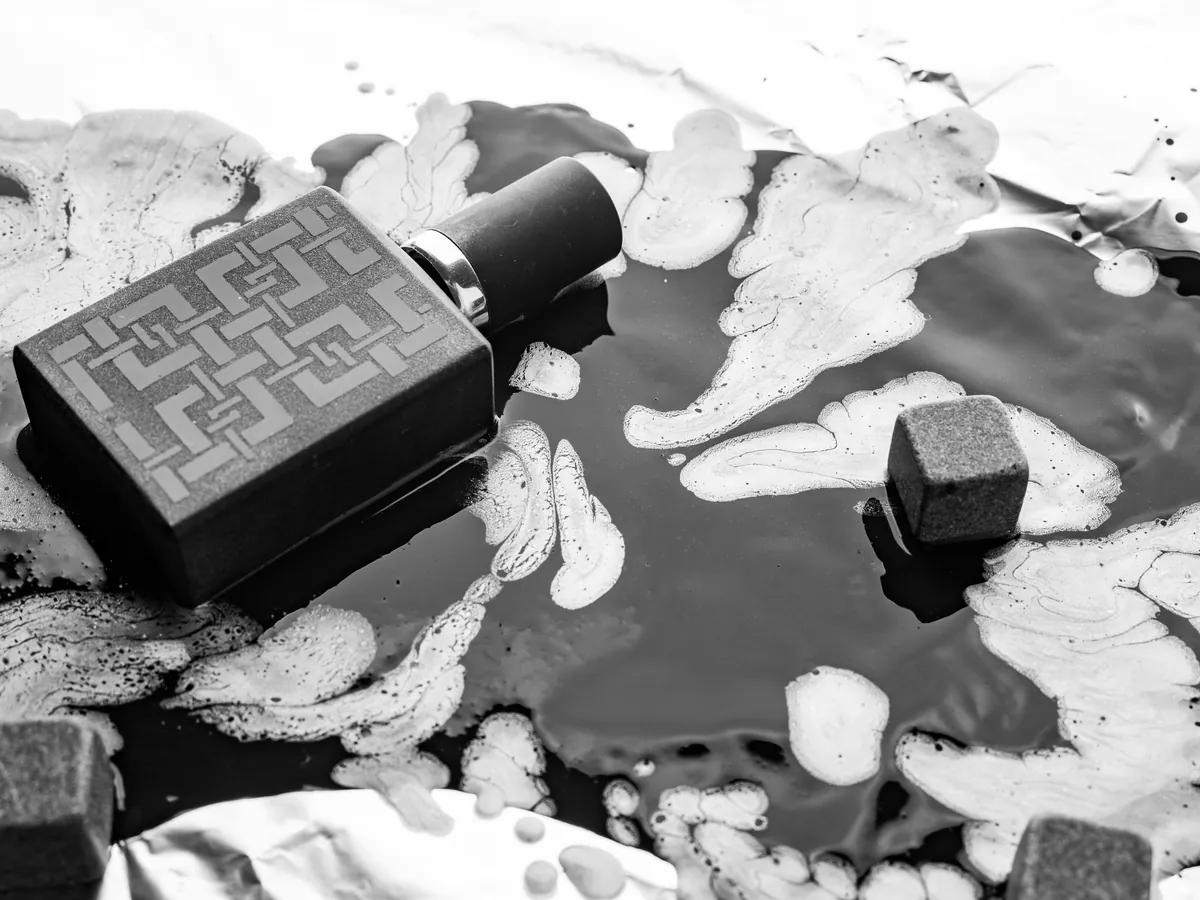
Use these reference photographs to plan light, materials, and color for Seedream 5.5. Inspiration photography from Unsplash; these are reference scenes rather than model outputs.
From brief to finished visual
Explore Seedream 5.5 image creation
Give Seedream 5.5 a focused creative direction, then adjust the details that matter to your project. Keep your prompt, references, and model controls together as you explore variations.
From brief to finished visual
Give Seedream 5.5 a focused creative direction, then adjust the details that matter to your project. Keep your prompt, references, and model controls together as you explore variations.
Three simple steps
How to use Seedream 5.5
Turn a focused brief into a first draft with Seedream 5.5, then build on your best direction.
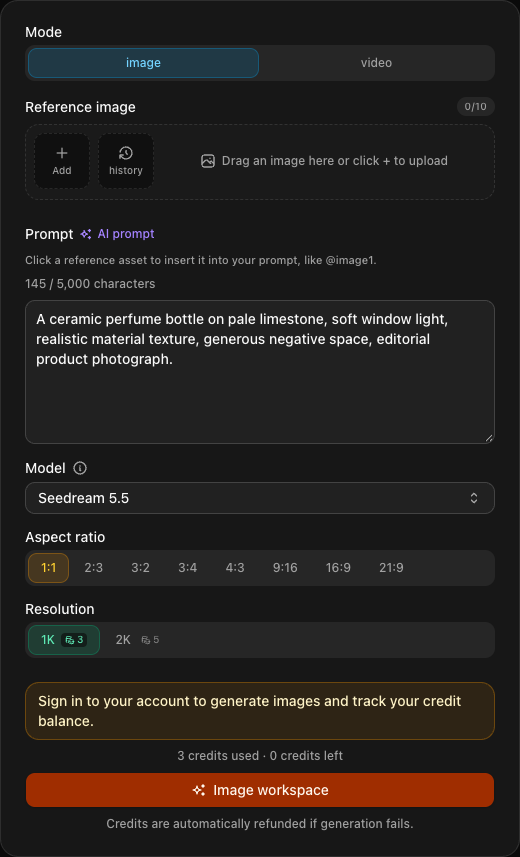
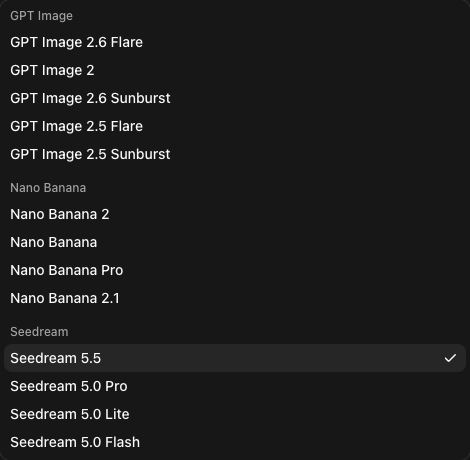
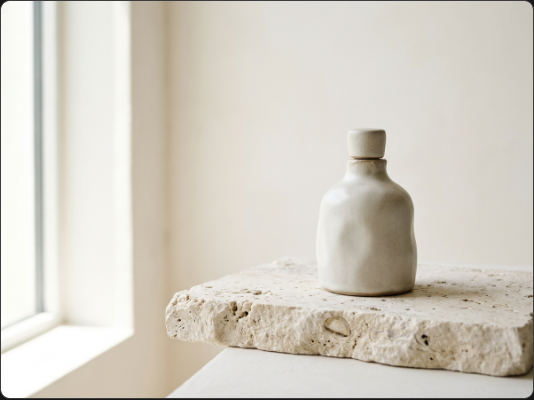
Tell Seedream 5.5 what belongs in the frame. Include the intended format, lighting, and any exact text in quotation marks so your first draft starts with a useful direction.
Visual concepts & models
Explore more models alongside Seedream 5.5
Start with Seedream 5.5 images, compare GPT Image 2.6 and Nano Banana 2.1, or switch to Seedance 2.5, Wan 3.0, and Kling 4.0 for video in the same workspace.
Go to Generator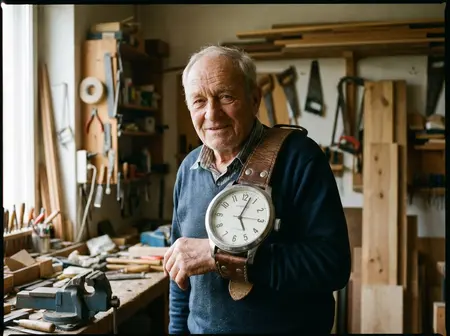 Available Now
Seedance 2.5
Cinematic 1080p video created from text, images, and reference video. A model that even edited and extended the video.
 new model
Wan 3.0
A new Wan model that creates up to 1080p video from text, images, and reference images.
 new model
GPT Image 2.6
Fast flare, precise sunburst. Create and edit images up to 4K.
 new model
Nano Banana 2.1
The newest Nano Banana. Up to 4K, up to 10 reference images.
 new model
Kling 4.0
Create videos up to 30 seconds with reference images and video using Kling 4.0.
Your workspace at a glance
Seedream 5.5 controls for your next project
Choose the settings that fit your deliverable. Seedream 5.5 shows the credit estimate before submission so you can plan each experiment.
Free signup credits
Maximum Seedream 5.5 resolution
Reference images per Seedream 5.5 task
Seedream 5.5 vs Seedream 5.0, Nano Banana and GPT Image 2.6
For Seedream 5.5 vs Seedream 5.0, use the same product label, portrait, or room edit and compare how much refinement each draft needs. For Seedream 5.5 vs Nano Banana and Seedream 5.5 vs GPT Image 2.6, compare subject identity, readable lettering, and precise edits. Choose each model directly in the workspace above.
| Model | Resolutions | Max References | Aspect Ratios | Best-Fit Role |
|---|---|---|---|---|
| Seedream 5.5 Latest | 1K, 2K | Up to 10 (10 MB) | 8 fixed (1:1 to 21:9) | Realistic materials, small text, multi-round edits |
| Seedream 5.0 Pro | 1K, 2K | Up to 10 (4.19M px cap) | 8 fixed | Legacy 5.0 baseline for A/B checks |
| Seedream 5.0 Lite | 2K, 4K | Up to 14 (10 MB) | 8 fixed | 4K output & large reference boards |
| Seedream 5.0 Flash | 1K, 2K | Up to 10 (10 MB) | 8 fixed | Fast, low-cost layout drafts |
| Nano Banana 2.1 | 1K, 2K, 4K | Up to 10 (30 MB) | Adaptive + 8 fixed | 4K output & reference-matched framing |
| GPT Image 2.6 (Flare / Sunburst) | 1K, 2K, 4K | Up to 16 (10 MB) | 8 fixed (3 quality tiers) | Complex multi-ref edits & quality-tier control |
Start your Seedream 5.5 comparison with the same brief and references. Review detail, composition, and editing time alongside the credit estimate to find the best fit for your work.
Creator reviews
What creators say about Seedream 5.5
Seedream 5.5 pricing and credits
Start Seedream 5.5 with 120 free signup credits, then choose a USD plan or credit pack for your workflow. The workspace shows the estimate for each model and setting before you submit; credits for tasks recorded as failed are returned.
Secure payments
Checkout is processed by Stripe. Available payment methods are shown on the payment page for your location.
Global payments










Payment details are entered on Stripe’s hosted checkout page.
Payment inquiries: support@seedream5-5.tech
Before your first generation
Seedream 5.5 questions answered
How can I try the Seedream 5.5 image generator?
Create an account to receive 120 free signup credits. Select Seedream 5.5, describe your image, and optionally add references. Choose 1K or 2K and review the credit estimate before generating your first draft.
What does Seedream 5.5 Pro mean when choosing a plan?
Choose a subscription or credit pack to suit your creative workload. The model selector identifies the version you use: Seedream 5.5 and Seedream 5.0 Pro are distinct options. A Pro plan supplies credits rather than changing the model name.
How can I test prompts from Seedream 5.5 Reddit discussions?
Bring a useful community brief into the workspace and select the same model version. Use your own reference images, compare the draft with your intended result, and save the strongest settings. This makes Seedream 5.5 Reddit examples a practical starting point for your own experiments.
What should I know about Seedream 5.5 unfiltered searches?
Explore product visuals, illustrations, and reference-based edits with Seedream 5.5. Prompts and uploads follow the provider’s content rules; this workspace offers the standard moderated model. Use clear creative instructions and references you have permission to upload.
How can I get started while researching the Seedream 5.5 API?
Use the browser workspace to test Seedream 5.5 prompts, reference images, and output settings before planning automation. Image generation on this site currently runs through the browser; a public Seedream image API key is not included with a credit plan.
How much does Seedream 5.5 cost?
Your first 120 signup credits let you explore Seedream 5.5 before choosing a paid plan. Prices and credit packs are shown in USD. Each task shows its credit estimate before submission, and credits for tasks recorded as failed are returned to your balance.
Create your first Seedream 5.5 draft
Bring one idea to Seedream 5.5. Start with free signup credits, explore a few variations, and refine the visual that moves your project forward.